Micold AI IDE
Run AI coding sessions on several branches at once. Micold AI IDE opens a git project, gives each piece of work its own worktree, and runs an AI CLI session in a terminal beside the code — in a background service that keeps every session alive when you close the window.
Install · Read the user guide · Source on GitHub
Documentation ships in the same change as the code it describes and is verified in CI, so what follows describes the version you are reading it from (constitution, Principle VII).
User Guide
- Installing on macOS — which Mac and which macOS, downloading the disk image, dragging it to Applications, and the first launch: why macOS blocks an application the project cannot sign, the one pass through Privacy & Security that clears it, why it comes back after an update, and why clearing it on the disk image does not help. Then what starts automatically, what happens when you log out, updating, removing it, and the permission prompts (Files and Folders, and the optional Full Disk Access) with what declining each one costs.
- Help & About — the application window, the Help toolbar entry, and the About dialog.
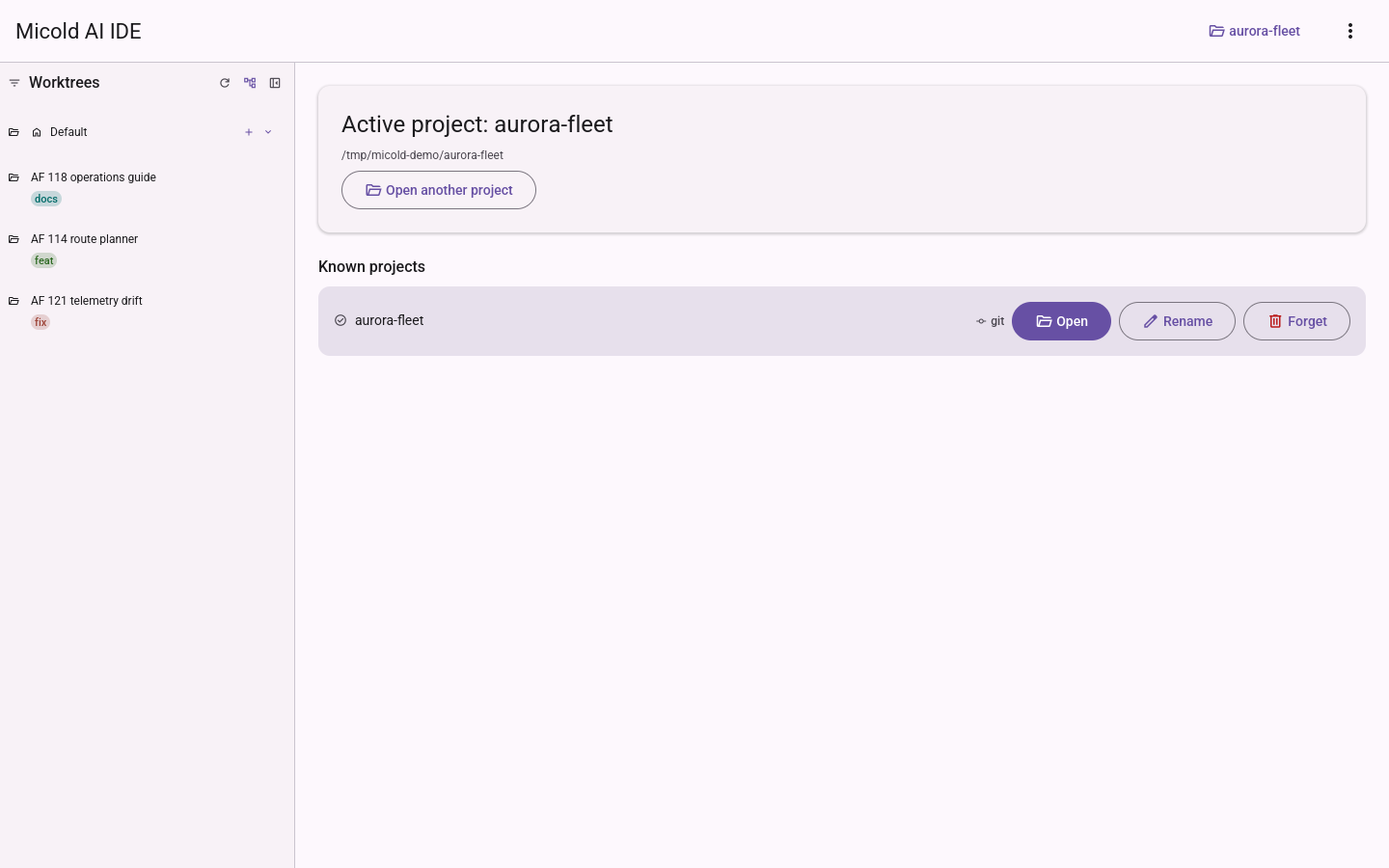
- Project Selection & Workspace Management — opening a project, the known-projects list, git repository marking, and renaming.
- Appearance & Theming — the Material Design layout, the light and dark themes, following the system preference, choosing a theme, interface motion (dialog fades, easing, and the app’s other animations), and how notifications appear one at a time and clear themselves.
- Icons — the shared Material icon set, where each icon appears, theming, licensing, and how to add a new icon.
- Worktrees & Sessions — opening a git project, the
worktree sidebar (including why only the worktrees the app created are listed, how to reveal
the rest, and how to claim one you made yourself),
creating worktrees (on a new branch, or by searching for one that already exists locally or on
a remote),
and running AI CLI sessions (
claude,copilotorpi— Pi Coding Agent) in the embedded terminal (colored real-terminal rendering, interactive keyboard/mouse input, focus, resize, scrollback, and toggling a session’s terminal to one or more independent plain-shell instances scoped to its worktree, switchable and individually closeable/restartable). - Settings — the Settings view: appearance, the terminal scrollback limit, environment-include (auto-picking up your shell environment for sessions, configuring or disabling it, and recovering from a failed script), and Session service — where sessions run, which credentials the service may reach, and the resource limits it runs under.
- Running the session service in a container — turning the container placement on, which runtimes work (and how Podman differs), what the container can and cannot see, credentials, limits, network posture, working offline, what happens across restarts and reboots, and what to do when it will not start.
Installing
- Installing Micold AI IDE — the packaged Linux download for the current release, and building from source on macOS and Windows.
Development
- Client architecture — where a feature lives and why one module
holds its types and the functions over them; how to add a floating surface (one module, one
registration line, no central match to extend) and how to add a capability (declare the trait,
write the fake, choose the real implementation once); and the read/write asymmetry across
features — why a feature may read any state and write only its own, what an
Outcomeis for, and the guard tests that hold each of those lines rather than trusting them. - The component library — the two rendering layers, the rule that feature modules compose components rather than styling widgets, how that rule is enforced in CI, what to do when adding a component, and how to build a picker — searching or choosing — on the shared foundation both of the existing ones stand on.
- The layout snapshot — the three checks that pin where things are: the geometry fixture, the text-overflow gate and the containment invariant. What each one catches, what none of them do (colour, pixels, scrolling, mid-animation, and the typeface until 018 ships), the exemptions currently in force, and how to accept an intended layout change.
- The component showcase — the development-only gallery of every
component in every posed state, in both schemes, on one page (
mise run showcase): how to launch it, how to add a component to it, what each completeness failure means, and what it deliberately does not cover. - The CI pipeline — why a change that touches only documentation or specs skips the build entirely, where the documentation set is declared, the single status check the default branch requires and the two properties that keep it honest, how to force a full run, and what to do when the pipeline surprises you.
- Packaging for macOS — the two producers (
scripts/macos-bundle.shcomposes the.app,scripts/macos-dmg.shwraps it), reproducing a release disk image locally, what the release job adds on top, when to re-check the minimum-macOS floor, and what thespctldiagnostic does and does not tell you. - The documentation site — how a publication works: the five steps a build runs in, what each pre-merge and pre-deploy check catches, what triggers a publication and how to republish without cutting a release, what a failed publication leaves behind, and why the fonts ship whole.
The session service (daemon)
- The Micold session daemon — the background service that hosts your sessions so they survive closing (or crashing) the window: what survives and what doesn’t, instant reattach and bounded scrollback, project/worktree operations running through the service, unattended crash supervision, one-window-per-project with deliberate takeover and half-open-connection detection, what a version mismatch looks like and how restart-and-resume behaves, why a service running directly on this computer does not survive a logout and what does, where the service logs, and where the service runs — the placement model (on this computer, in a container, or reserved for remote), why the container is reached over authenticated loopback TCP rather than a socket, and who answers “is this a git repository?” once it is.
0.16.0
View
this page's source